Manage the proposal process—not just the first draft
For a freelancer, bid management means keeping the decisions around a proposal connected: is the job a fit, what should the letter say, which facts need checking, did you send it, and what happened afterward? A saved draft alone cannot answer all of those questions.
BidNinjas supports the drafting, review and record-keeping parts of that routine. You assess job fit and set commercial terms. The proposal generator works from your brief and optional saved profile; proposal history lets you return to drafts and update actual outcomes. This page describes freelance proposal management, not tender administration, procurement or team approval routing.
If you already bid regularly, follow the active-freelancer workflow. If volume is increasing, review the high-volume bidding guidance before expanding it.
From job choice to recorded result
A bid-management workflow you can actually follow
- 01
Qualify the job before drafting
Read the scope, budget, requested proof, screening questions and schedule. Decide whether you can genuinely meet the requirements. This is your decision—not an automatic job filter or a recommendation to spend Connects.
- 02
Build a draft from real context
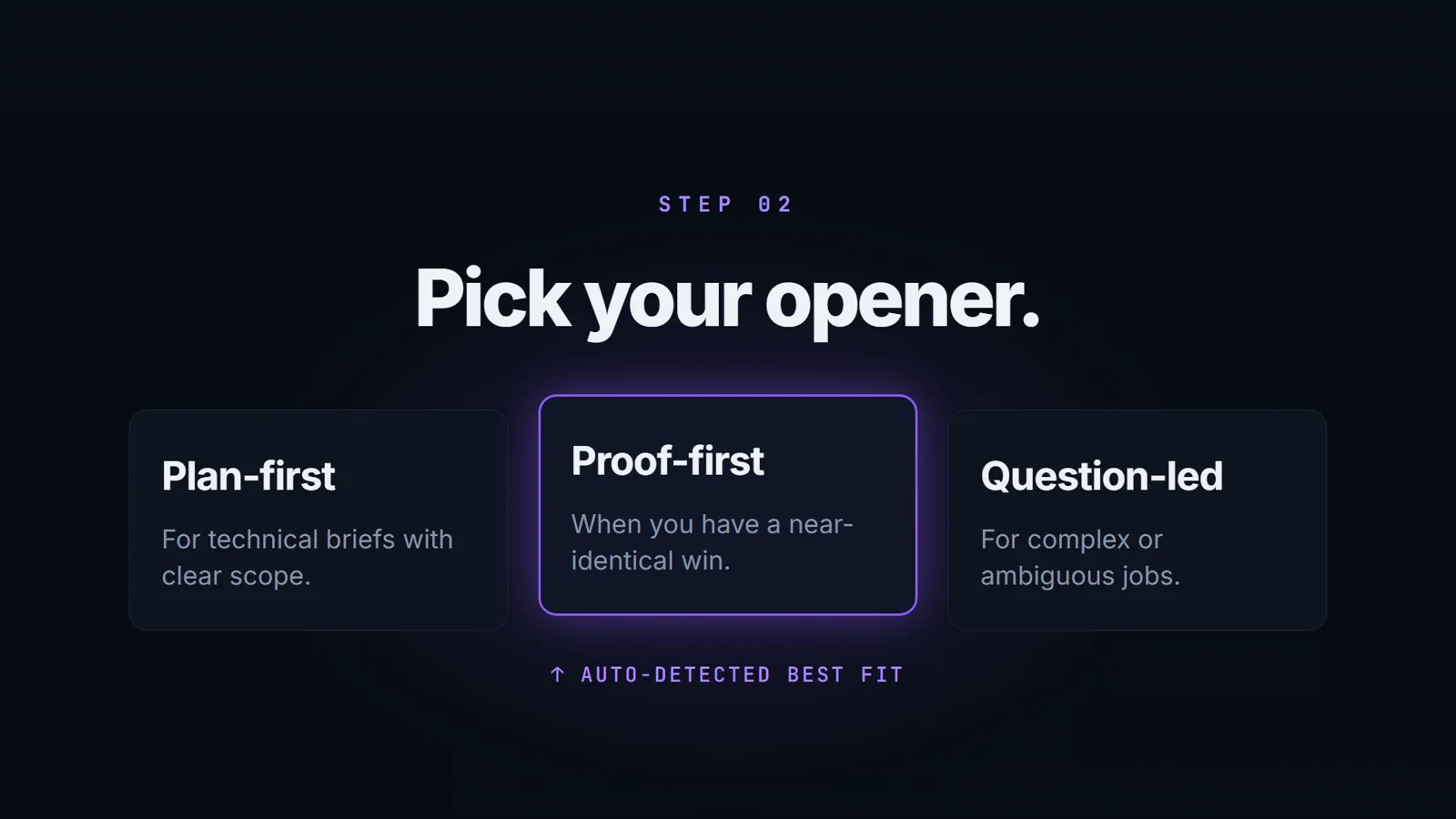
Paste the complete job brief and any separate client questions. Add genuine skills, projects and writing preferences if available. Choose Plan-First, Proof-First or Question-Led to suit the brief rather than reusing a generic opening.
- 03
Review the cover letter and answers
Check the writing-quality score and job relevance. Read the separate screening answers and any private missing-detail notices. Supply your verified links, roles or availability where requested; a requested fact is not proof that you have it.
- 04
Set your terms and submit yourself
Confirm the rate, scope, timeline and any Upwork requirements. Review the final words and submit on Upwork yourself. The workflow described here does not automate applications, buy Connects or choose a boost amount.
- 05
Keep the outcome record current
Use proposal history to distinguish a draft from a proposal you actually sent. Update sent, responded, won, lost or no-response outcomes as they happen. These are your recorded statuses, not independently verified Upwork activity.
- 06
Review a batch before changing the process
Use Pro analytics to review recorded outcomes and score trends. Look at the size and relevance of the sample before interpreting a pattern. Test one change at a time rather than assuming the last reply—or silence—proves a strategy works.
For a more detailed writing framework, use our Upwork proposal strategy guide. Freelancers working across time zones can also use the Asia proposal guide to think through real overlap and handoff expectations.
Proposal analysis before and after you send
Before sending: inspect the writing
BidNinjas reviews six writing signals: hook, specificity, proof, tone, length and authenticity. Use the breakdown to identify an unfocused opening, unrelated background or a claim that needs checking. The proposal quality score is an editing aid—not an estimate of your chance of being hired.
After sending: review the outcomes you recorded
Pro's proposal analytics and outcome tracking summarize your recorded history, including response and win patterns and score trends. Keep statuses current and distinguish sent work from drafts. A small or uneven sample can make a pattern look more meaningful than it is.
This is not a live feed of client views or competing bids. You record the outcome; the dashboard describes those records. Pro's personalised learning engine begins after 3 tracked outcomes. Neither the score nor the learning engine guarantees replies, interviews, contracts or income.
Illustrative review scenario—not a customer result
Suppose a mobile-app brief asks for live app links you have not provided. Review the draft's approach, complete the missing-detail notice with genuine evidence, and decide whether the application is a fit. If you send it, mark it sent; only mark it responded when a reply actually arrives. A better-written draft is not the same as a verified marketplace result.
Practical benefits of a consistent bidding routine
Rebuild less context
Saved genuine profile details and writing preferences give each new brief a more useful starting point. Pro's Chrome extension can transfer supported visible job-description text into drafting. You still review the context and add any separate client questions.
Make review more deliberate
Separate the cover letter from screening answers, inspect writing-quality signals and resolve private missing-detail notices. This gives you a repeatable review habit instead of treating a polished paragraph as proof that every requested fact is present.
Keep a history worth learning from
A draft, a sent proposal and a client response are different events. Recording them honestly gives you a clearer basis for a weekly review. The benefit is a more organized process—not a promised increase in win rate or a calculated saving on Connects.
Bid management questions, answered
What does bid management mean in BidNinjas?
Here it means managing your freelance proposal routine: prepare a relevant draft, review it, submit on Upwork yourself, keep its recorded outcome current and use your history to make the next review more deliberate. It is not an enterprise tender, procurement or RFP-management system.
Does this find jobs, submit bids or spend Connects automatically?
No. The public workflow described on this page begins with a job brief you provide. You review the draft, confirm the application terms and submit on Upwork yourself. The Pro Chrome extension transfers supported visible job-description text into drafting; it is not an automatic bidding bot.
Can I draft a proposal without a completed profile?
Yes. A job brief can support a solution-led draft. Adding genuine profile facts makes the context more specific, but missing history must not become invented clients, results, rates or availability. Complete any private missing-detail notices before relying on a screening answer.
Does proposal analysis show live client views or competitor bids?
No. BidNinjas' pre-send score reviews writing quality, and its Pro analytics describe the outcomes you record. They do not provide live Upwork client-view data, competitor bids or a prediction of who will hire you.
Which parts are available on Free and Pro?
Free includes 3 proposal drafts per month, quality scoring and proposal history. Pro adds analytics and the Chrome extension; its personalised learning engine begins after 3 tracked outcomes. Check current pricing for complete plan access and allowances.
Will a higher score guarantee more replies or contracts?
No. A score is an editing aid, not a forecast. Replies and contracts also depend on job fit, competition, terms and client decisions. Recorded patterns can guide a review, but they do not prove that an opener, score or higher proposal volume caused a result.
See current plan access and proposal allowances before choosing a plan. For setup questions, read the BidNinjas FAQ.
For Upwork's application requirements, read its official proposal submission guide. Your application terms, Connects and final submission remain your decisions on Upwork.